Manual data entry from invoices, contracts, and PDFs consumes excessive employee time and introduces human error. Traditional template-based extraction tools break easily when document layouts change, forcing back-office teams to reformat data by hand. Building an automated workflow using optical character recognition and large language models provides a flexible alternative that adapts to varying document structures.
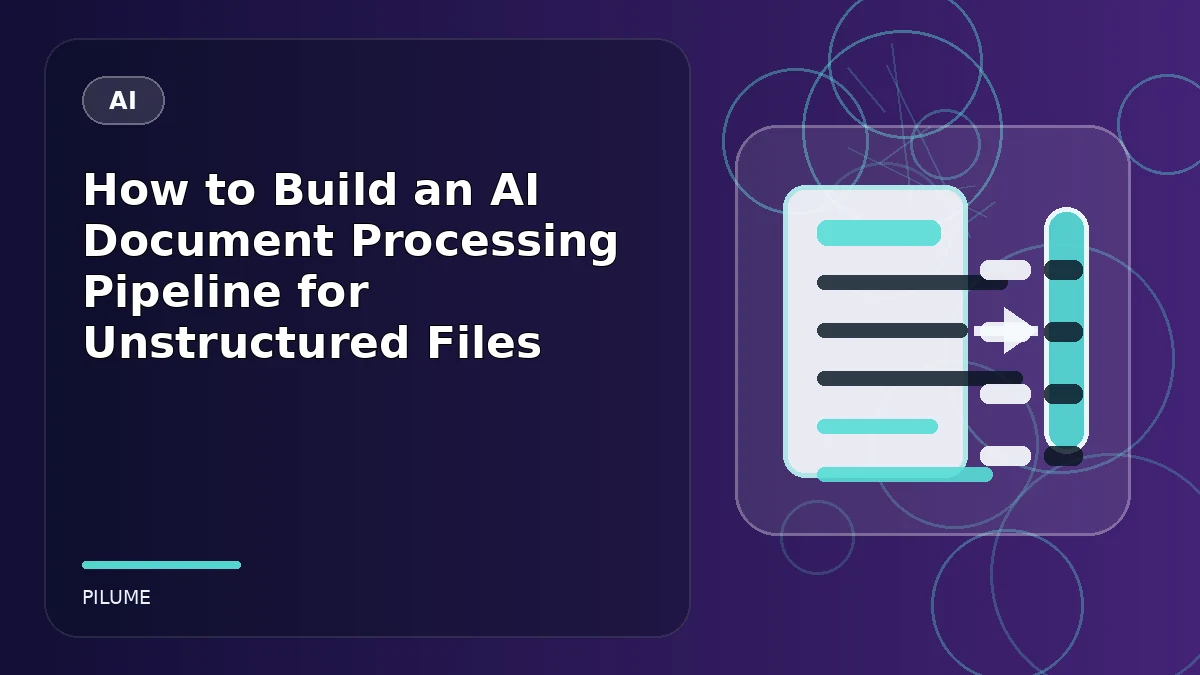
An intelligent document processing system ingests files, converts visual layouts into machine-readable text, classifies content categories, and extracts clean records into structured formats like JSON or databases. This guide covers how to set up an end-to-end framework using Python, optical character recognition tools, and schema validation.
How to Build an AI Document Processing Pipeline: 1. Ingest and Preprocess Raw Documents
The first stage involves collecting incoming files from storage buckets, email attachments, or web portals. Because scanned documents often contain skew, noise, or poor contrast, preprocessing improves downstream accuracy. You can use computer vision libraries to clean up images and straighten pages before passing them to recognition engines.
For developers working with cloud environments, setting up automated triggers via storage buckets ensures that new files begin processing immediately without manual intervention. According to deployment documentation for Azure AI Document Processing Pipeline using Python Durable Functions, combining stateful orchestrations with serverless functions helps manage document workloads reliably at scale.
2. Extract Text and Layout with OCR
Once files are preprocessed, optical character recognition extracts the raw text blocks and spatial coordinates. While basic text extraction works for clean digital PDFs, scanned agreements and historical invoices require advanced layout analysis to preserve tables, headers, and footnotes.
Google Cloud provides specialized recognition tools for this exact purpose. As noted in the Optical Character Recognition (OCR) with Document AI (Python) Codelab, the service parses unstructured files into structured text content that can be easily analyzed and consumed by downstream applications.
3. Parse Unstructured Data Using LLMs
Raw OCR output is often messy and lacks semantic context. Passing this text directly into a large language model allows your system to identify key-value pairs, line items, and contextual summaries. Instead of writing brittle regular expressions for every document vendor, you can prompt an LLM to categorize the file and return structured attributes.
To prevent hallucinations and formatting errors, combine model outputs with strict data validation libraries like Pydantic. Defining a rigid schema ensures that extracted fields match your required data types before the record enters your database or enterprise resource planning software.
4. Implement Confidence Scoring and Human Review
No extraction pipeline operates with absolute perfection. Building confidence scoring into your workflow allows the system to flag low-confidence extractions for human review. When a model’s internal probability metrics fall below your defined threshold, route the document to an exception queue so an operator can verify the data manually.
Continuous monitoring using observability frameworks helps track error rates, latency spikes, and parsing failures over time. Maintaining these logs ensures you can audit your workflow and adjust prompt instructions as document variations evolve.
5. Best Practices for Managing Scalable Document Workloads
Designing an enterprise-grade document workflow requires careful planning around concurrency, storage limits, and cost optimization. When handling high-volume batches, synchronous application programming interfaces can time out or consume excessive memory. Instead, configure asynchronous processing patterns where files are queued in cloud storage and processed via worker pools. Implementing rate limiting and exponential backoff safeguards your integration against upstream API throttling from third-party model providers. Furthermore, maintaining a centralized logging mechanism ensures that every file’s journey from raw upload to final database insertion remains traceable during audits.
6. Practical Steps for Validating Extracted JSON Schemas
Unstructured data extraction frequently fails when models output malformed syntax or omit mandatory attributes. To mitigate this risk, wrap your parsing functions in robust exception handlers that catch JSON decode errors automatically. If an extraction fails schema validation, the pipeline should trigger a secondary repair prompt that feeds the validation error back to the model for correction. Setting up explicit fallback values and strict type enforcement can support that downstream analytics tools never ingest corrupted strings or mismatched numerical identifiers.
Conclusion
Building an automated document workflow reduces administrative overhead and eliminates tedious manual transcription. By combining robust optical character recognition with structured large language model parsing and strict validation schemas, organizations can process unstructured files accurately and scale operations safely.
Frequently Asked Questions
What Is an AI Document Processing Pipeline?
An AI document processing pipeline is an automated software workflow that ingests unstructured files like PDFs, invoices, and contracts, extracts text via OCR, and parses the content into clean, structured data using large language models.
Why Should I Combine OCR with LLMs Instead of Using OCR Alone?
Traditional OCR only converts images to text without understanding context. Combining OCR with large language models enables the system to understand document layouts, categorize content types, and extract specific fields accurately even when document formats change.
How Do I Handle Low-confidence Extractions in My Pipeline?
You can set a confidence score threshold based on model probabilities. If an extraction falls below this threshold, the pipeline automatically routes the file to a human review queue for manual verification before saving the record.
What Programming Language Is Best for Building a Document Pipeline?
Python is the most widely used programming language for document processing pipelines because of its rich ecosystem of libraries for computer vision, optical character recognition, API integration, and data validation.